How to backup your Autel Tools

Updated: Apr 29
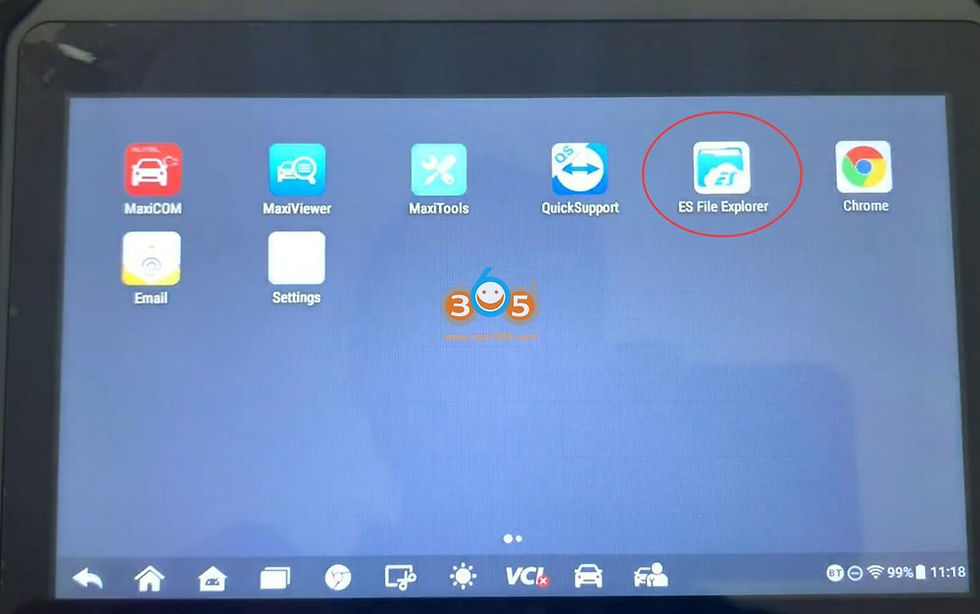
Am I really about to try to update my Autel tools in order to add functionality of newer updates at the risk of losing the features I already have in regards to All Keys Lost? ES file explorer is a thing of days long past... I have watched a couple of videos explaining how backing up your tools before hand can allow you to copy back the files you lost in order to retain that functionality... but does it really work? In that regard I LOVE blogs over silly videos on YouTube. There are many fools who discount reading in this day and age, after all.
This is something that can only be possible if you backup the files on your electric tools. There is the thin possibility that using a VPN to update your tool in another region that does not have the legal ramifications your home market has. Rule of thumb: Backup your tools as soon as you get them. It might require 5-6 hours of your time if it is not something the internet has any "how to" already available like I learned with my new IM508 tool. I tried SD card (only supports up to 32 GB SD cards), USB thumb drive that returned only errors when I tried to copy the "SCAN" folder, and battled with "data unable to be copied" messages until I finally found my own solution. I recently ran into a YouTube content creator that made it clear I should be focusing on a video channel instead of a blog but there is far more to learn in blogs then you ever will waiting for the movie...
Simple instructions on the internet say all you need to do is backup the "SCAN" folder on your Autel if you ever need to reload the software you use to have. That is not the case. You need to backup EVERYTHING on the Autel.

Comments